“The only thing that is constant is change — and deadlines. Use our day to day count tool to stay on top of every date difference.”
How to Accurately Calculate Days Between Dates
Whether you're planning a project, tracking an age, or counting business days, understanding the exact difference between two dates is essential. Our day to day count calculator gives you precise results in days, weeks, months, and years — with full control over which weekdays to include.
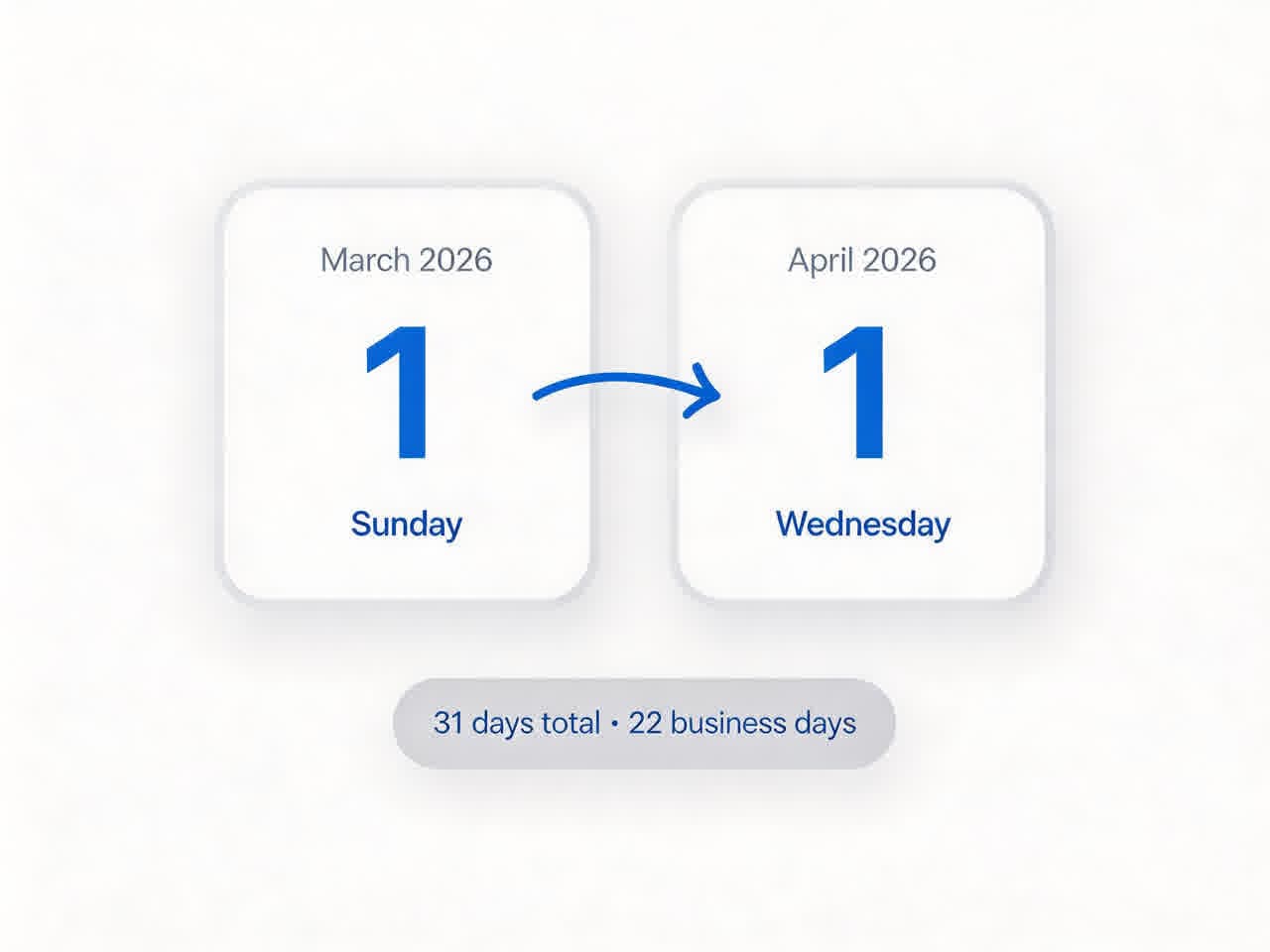
Example: Calculating business days between two dates
Step-by-Step Guide
- Select a start date and an end date using the date pickers or click "Today".
- Choose whether to include the end date (+1 day).
- Select which days of the week should be counted (e.g., exclude weekends for business days).
- Instantly see the difference in days, weeks, months, and years.
The Math Behind the Tool
Our day to day count tool uses these industry‑standard formulas to ensure accuracy:
- Days: Exact number of days between the two dates, filtered by your weekday selection.
- Weeks: Total days ÷ 7, plus remainder days.
- Months: Total days ÷ 30.44 (average month length).
- Years: Total days ÷ 365.25 (accounting for leap years).
These conversions follow the ISO 8601 recommendations and are widely used in financial, legal, and project management contexts.
Day to Day Count Conversion Table
Quickly estimate how many days convert into weeks, months, and years using our standardized averages (1 month = 30.44 days, 1 year = 365.25 days).
| Days | Weeks | Months (approx) | Years (approx) |
|---|---|---|---|
| 1 | 0 week, 1 day | 0.03 | 0.003 |
| 7 | 1 week, 0 days | 0.23 | 0.019 |
| 14 | 2 weeks, 0 days | 0.46 | 0.038 |
| 30 | 4 weeks, 2 days | 0.99 | 0.082 |
| 90 | 12 weeks, 6 days | 2.96 | 0.246 |
| 182 | 26 weeks, 0 days | 5.98 | 0.498 |
| 365 | 52 weeks, 1 day | 12.00 | 1.00 |
| 730 | 104 weeks, 2 days | 24.00 | 2.00 |
| 1095 | 156 weeks, 3 days | 36.00 | 3.00 |
* Months are calculated using the average month length of 30.44 days. Years use 365.25 days (accounts for leap years). Values are rounded to two decimal places.
Real‑World Examples
Business Day Calculation
Suppose you need to know the number of working days between March 1, 2026 and April 1, 2026. Uncheck Saturdays and Sundays → the tool will count only Mondays through Fridays, giving you an accurate business day count.
Age Calculation
To calculate someone's exact age in years, months, and days, simply enter their birth date as the start date and today's date as the end date. The tool will output the precise difference.
Project Milestones
Planning a 100‑day project? Enter the start date and add 100 days (including all weekdays) to get the end date. Then use the result to plan resources and deadlines.
Frequently Asked Questions
Can I exclude weekends?
Yes. Simply uncheck Saturday and Sunday from the "Include days" options to calculate only weekdays.
What does "Include end date" mean?
If checked, the end date is counted in the total. For example, from Monday to Tuesday with include end date gives 2 days; without it gives 1 day.
Why are my month results not whole numbers?
Months are not all the same length. Our tool gives an average month length (30.44 days) for consistent results. For exact month‑to‑month differences, use the "Days Between" result and divide by 30.44.
Does the tool handle leap years correctly?
Yes. The yearly conversion uses 365.25 days, which accounts for the extra day every 4 years. Date difference calculations also respect February 29 when it falls between your selected dates.